UI + CLI for end-to-end testing
Executable Markdown for your end-to-end flows
Write a test flow the way you would write a document. Every fenced
step block is executed
against your own applications, and everything else is documentation —
E2E flows the whole team can read, understand, learn from and run.
End-to-end tests as a shared asset — not code only its author can read
In most organizations, E2E tests are source code: the knowledge they encode — how the business actually behaves across systems — is locked away from everyone but the engineer who wrote them. lab34-flows treats a test as a document first. The prose explains the scenario, the executable steps sit inside it, and the whole organization works from the same file.
Readable by everyone
A flow is plain Markdown. Engineering, QA, product and support open the same document and see what is verified and why — no programming required to follow it.
Documentation that cannot lie
The document is what runs. It cannot drift from reality: every execution re-verifies that the described behaviour is the actual behaviour.
A way to learn the system
The suite doubles as onboarding material: new joiners read the flows to learn how your systems actually behave — and press Run to watch it happen.
Runnable by anyone
One click in the web UI, one command in CI — the same document. Flows live in the repository and travel through pull requests, a durable asset owned by the team.
A flow you can read, run and review
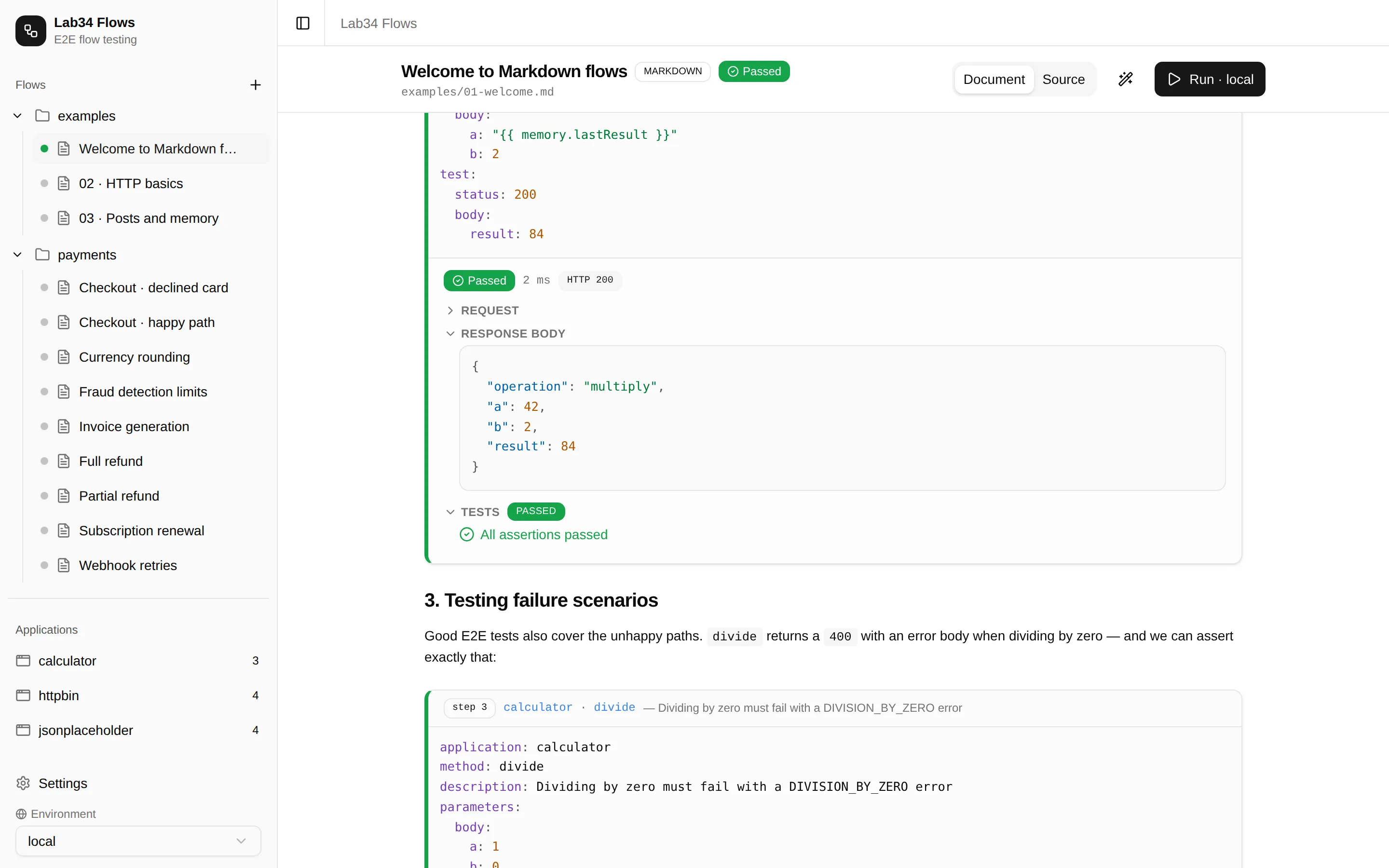
Frontmatter carries the metadata, prose carries the intent, and
step blocks carry the
execution: which application to call, with which parameters, and what to
assert. Random values, flow memory and mimicked dependencies are one
template away.
---
title: Create and read back
---

# Create and read back

Create a post signed by a random author, then check it exists.

```step
application: jsonplaceholder
method: createPost
parameters:
  body:
    title: "{{ randomString }}"
    userId: 1
test:
  status: 201
```
See it in action
Whole flows — and changes to them — written by AI
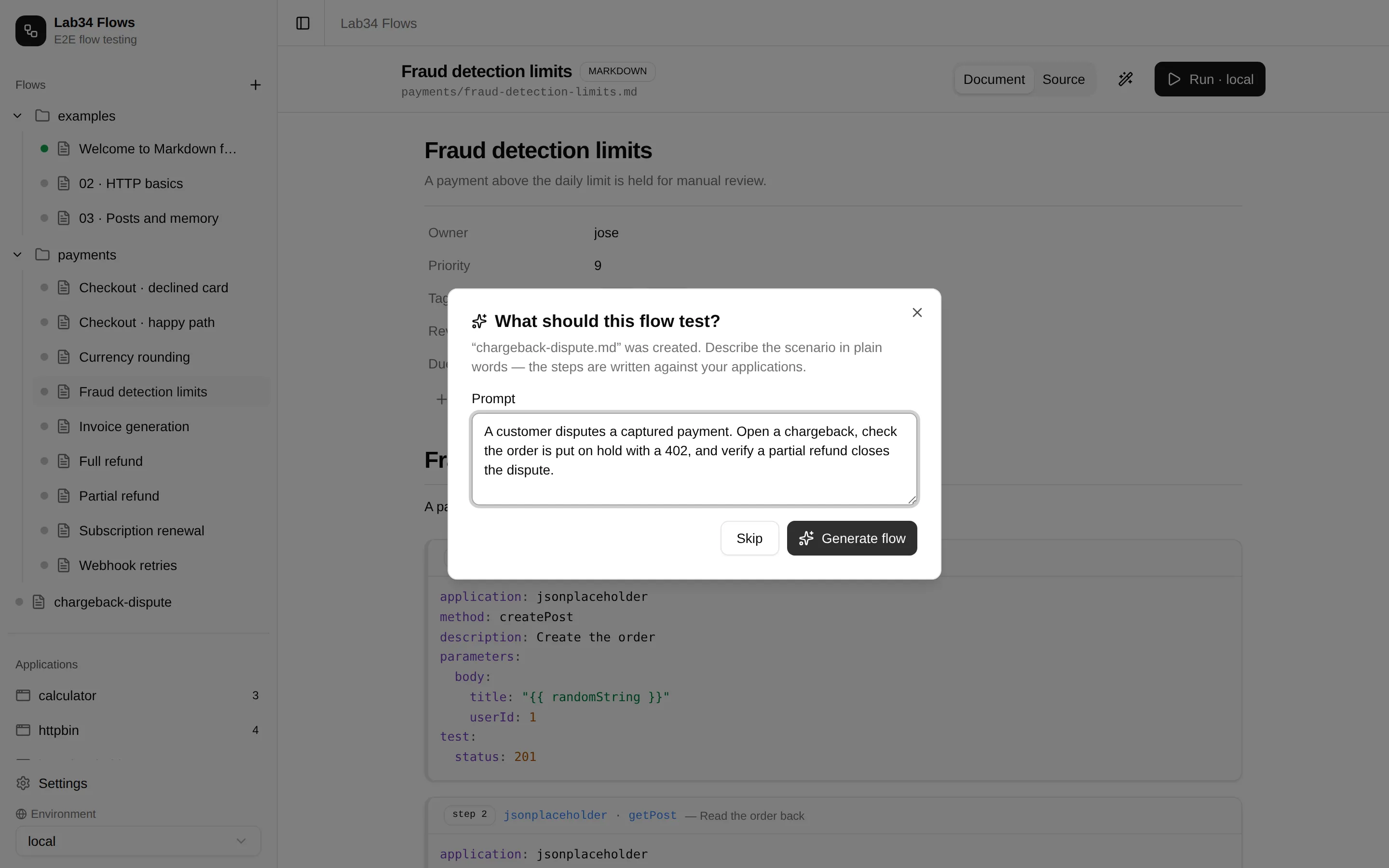
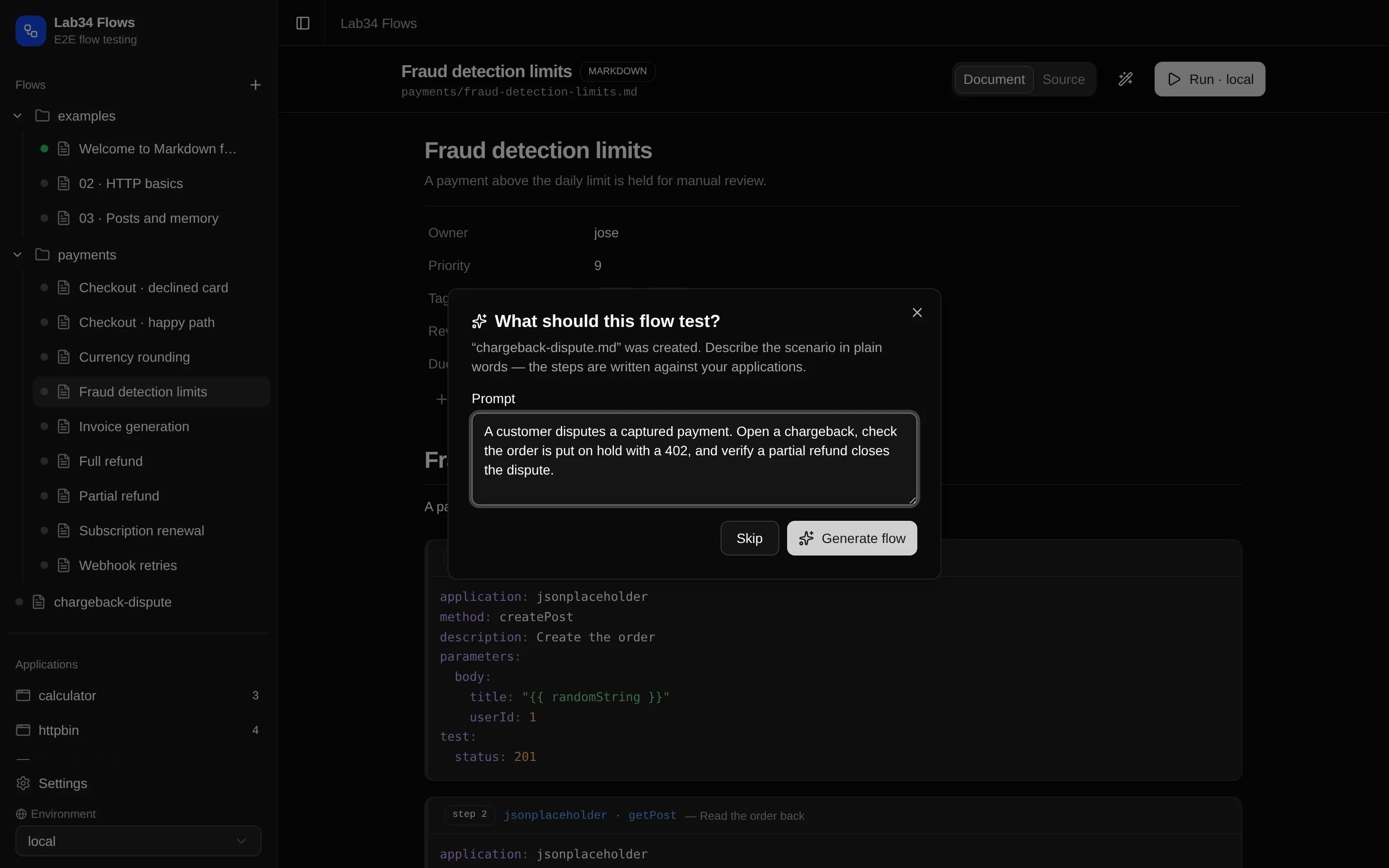
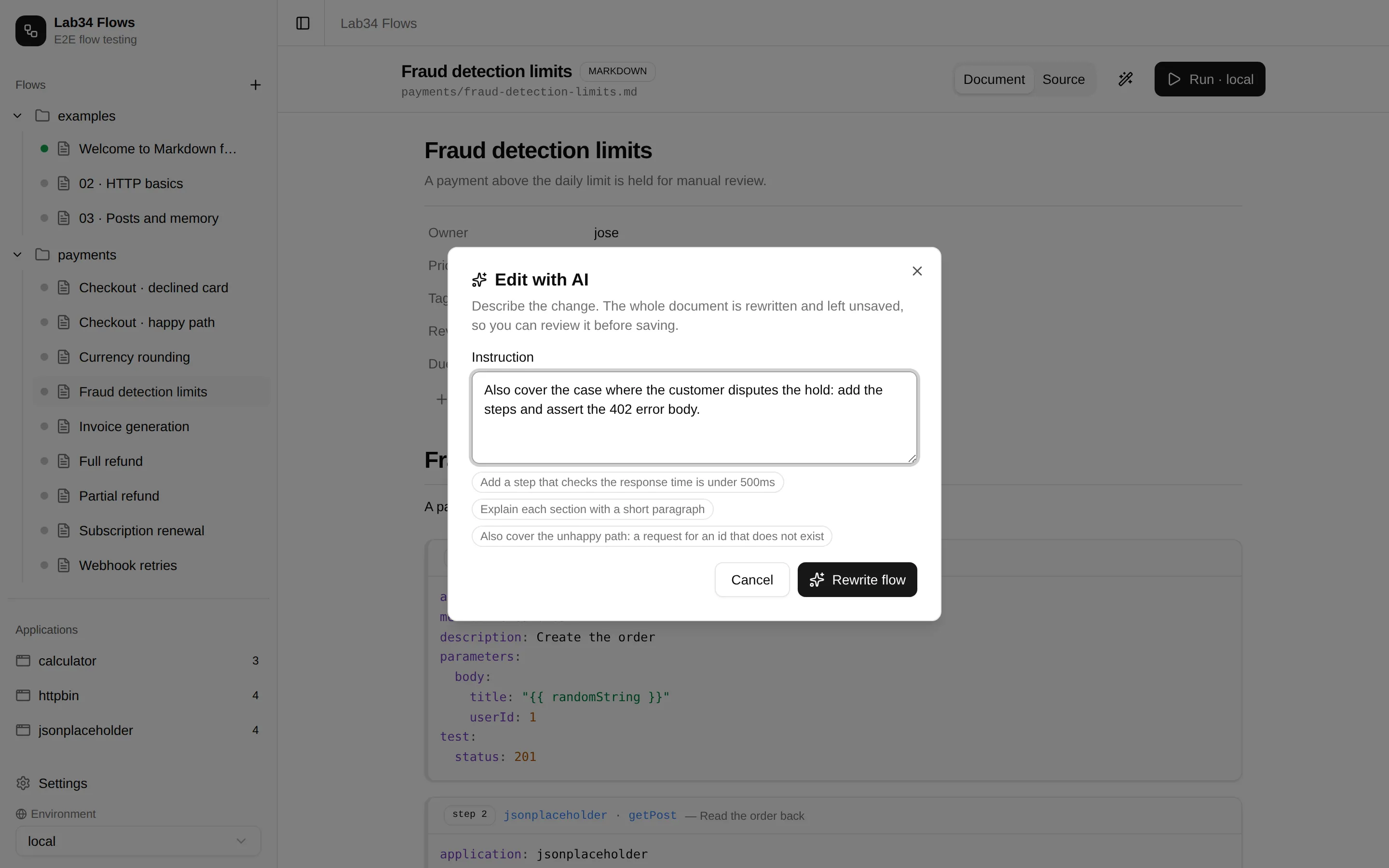
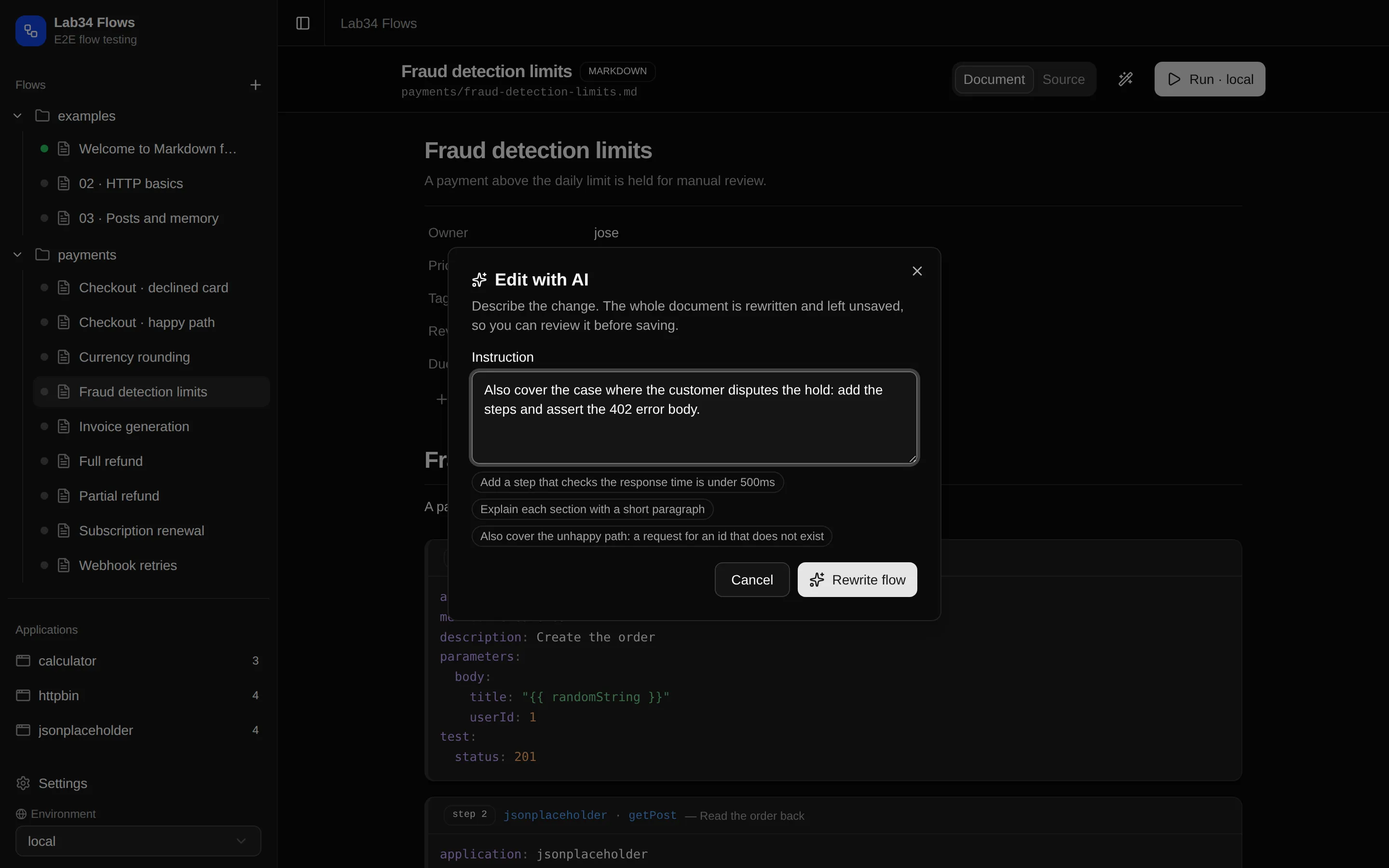
Describe the scenario in plain words and a complete flow is generated from the applications you actually have; open any existing flow and the magic wand rewrites it. Everything is validated, and edits land unsaved so you review them before they touch disk.
Everything a test flow needs
Flows are Markdown
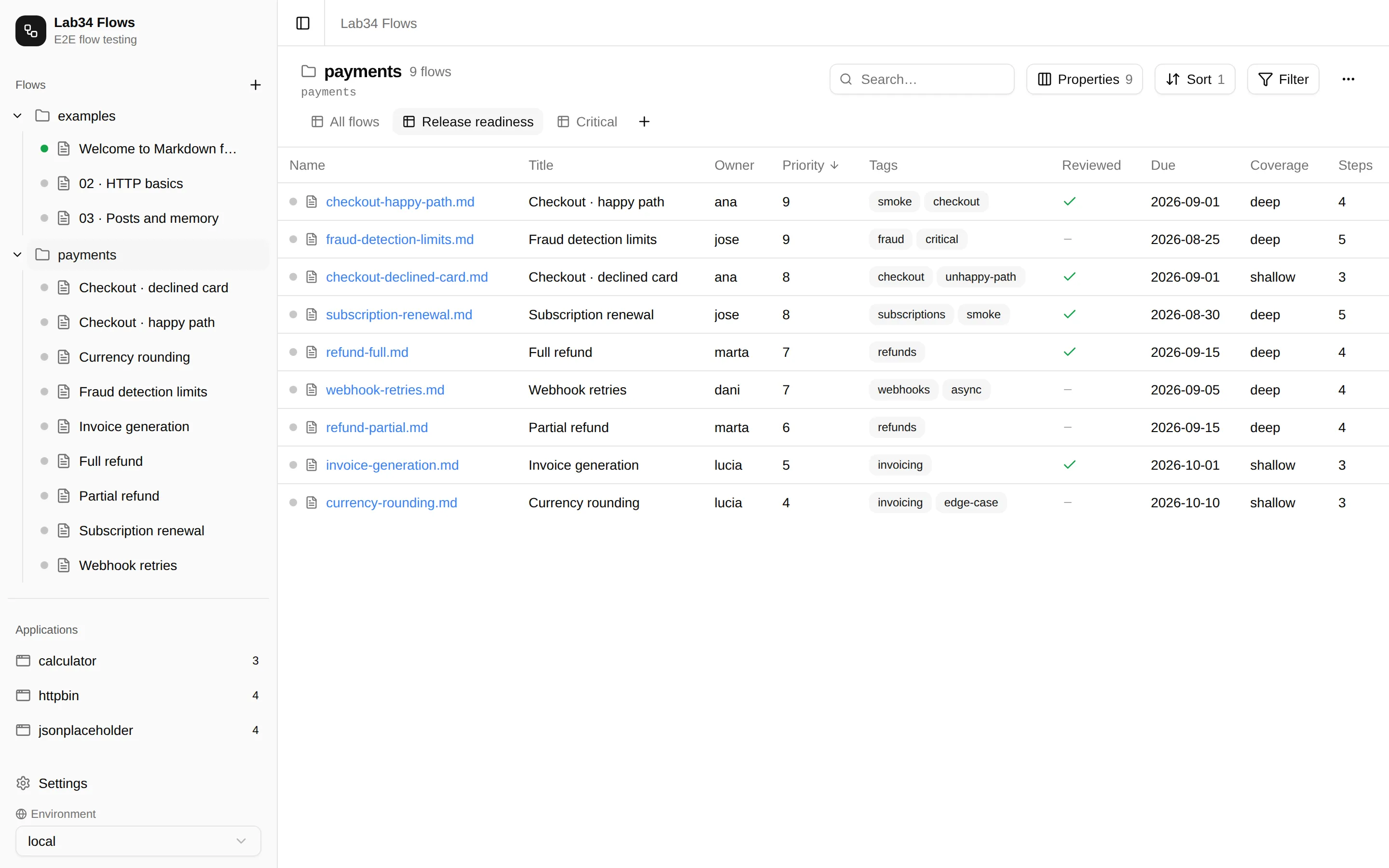
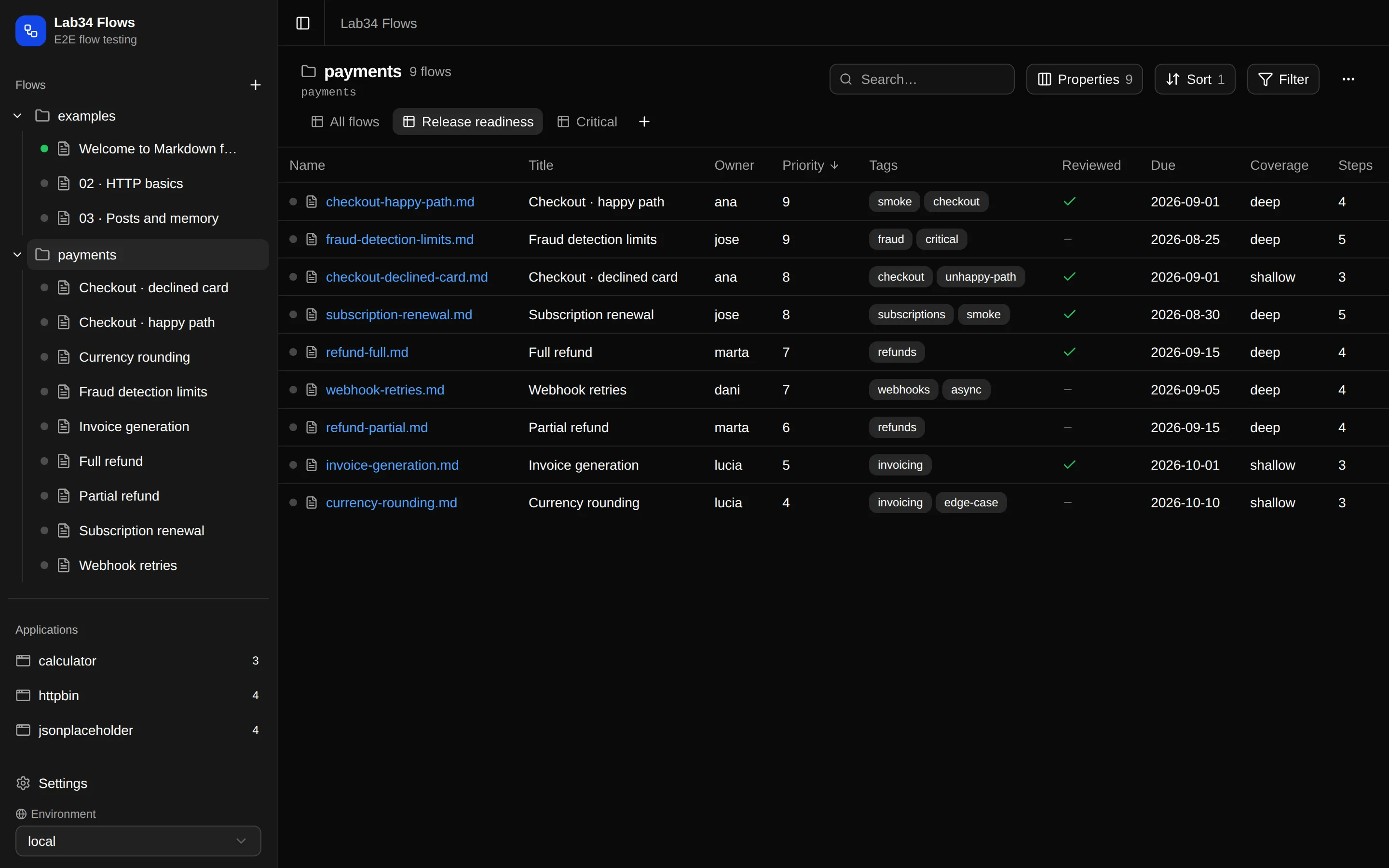
A flow is a plain Markdown document with executable step blocks. It lives in your repository, diffs cleanly and travels with your team.
Notebook-style UI
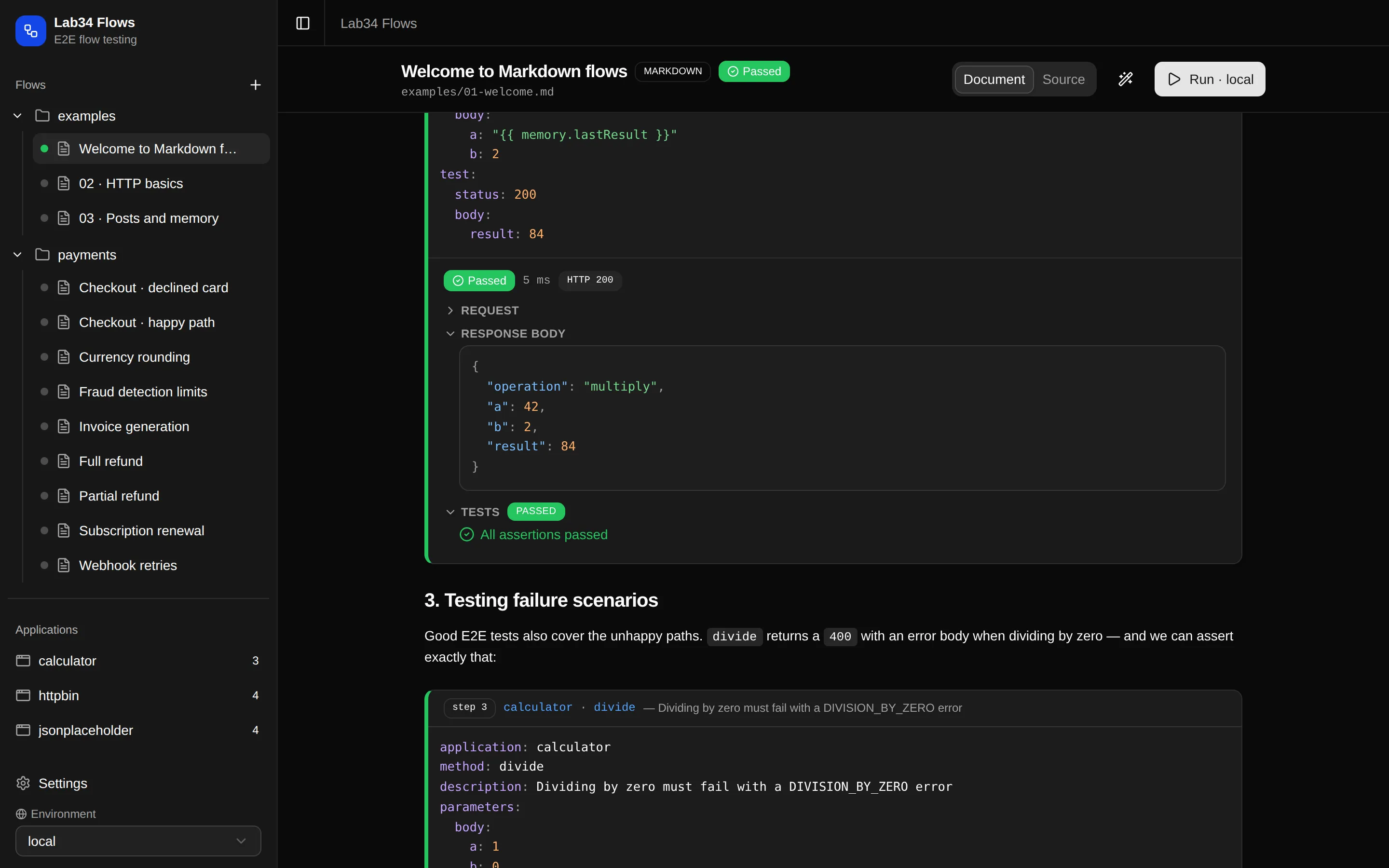
Press Run and watch each step stream its request, response, assertions and timings right below its block, like a notebook cell.
Applications as code
Callable methods are plain Node.js modules that document themselves with JSDoc — HTTP APIs, MQTT, PostgreSQL, or a browser driven by Playwright.
AI-assisted authoring
Describe a scenario in plain words and get a validated flow built from your real applications — with Ollama, Gemini or Claude as the provider.
Jira / Xray aware
Link a flow to an Xray Test issue from its frontmatter and see its status in the UI. Cloud, Server and Data Center are all supported.
CI-friendly CLI
The same flows run headlessly from the command line, so the suite your team reads in the browser is the one your pipeline executes.
From an empty screen to a running flow in four steps
The tool seeds offline examples on first run, so there is something to press Run on before you write a single line. The quick start walks you through it.
Quick start